
Contextual Assistance
Contextual Assistance combines three capabilities to help people get work done
The Assistant
Give people answers where the work happens.
What it does?
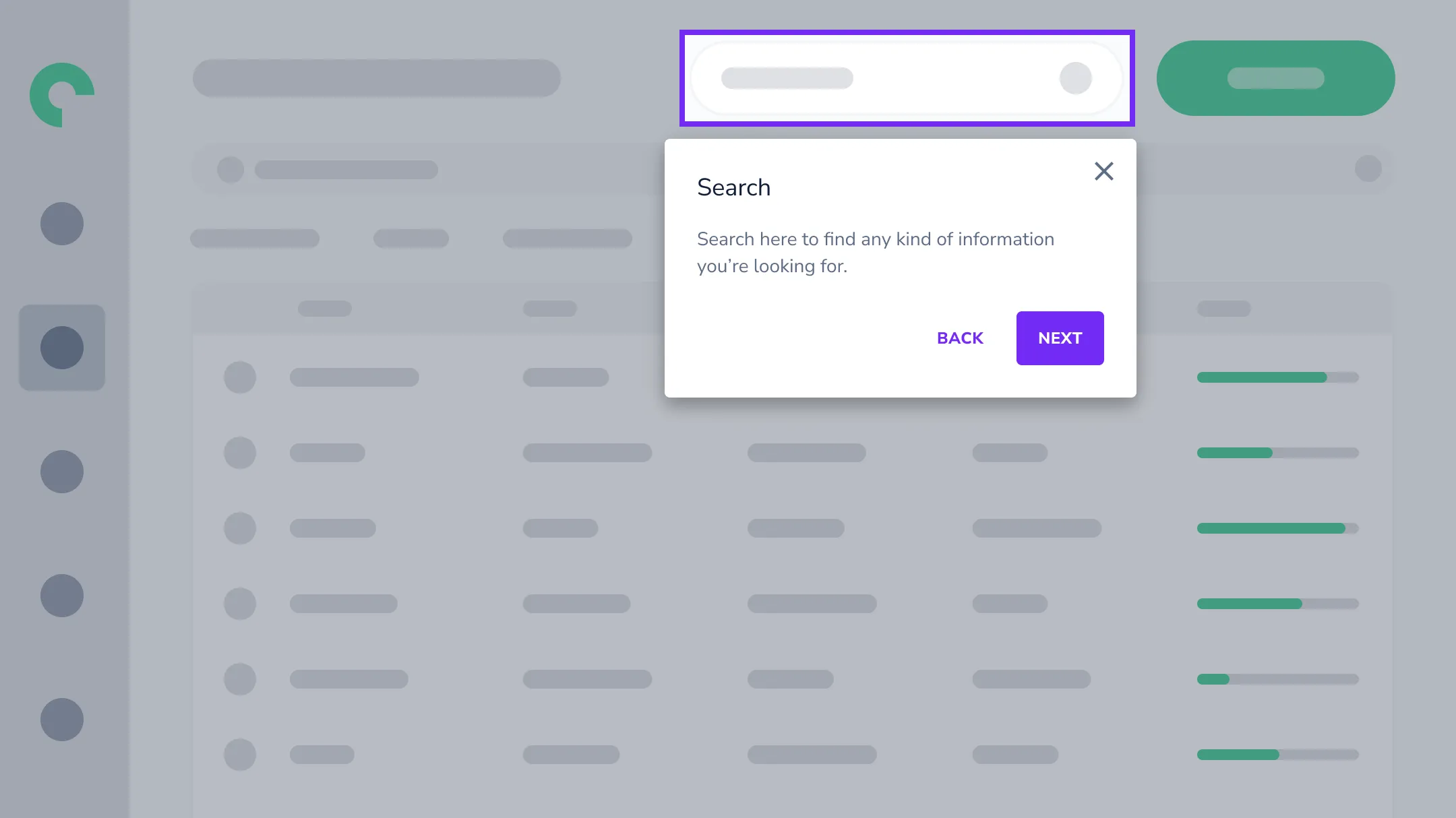
Answers questions in the application, drawing on your existing documentation, knowledge bases, and connected systems. Recognizes where the user is and who they are, so answers are relevant to their role and access. Routes to a step-by-step guide when a walkthrough would help, and hands off to support when it cannot resolve the query.
Who benefits?
Clinical staff navigating EHR systems. Finance teams working through ERP workflows. Anyone who needs answers without submitting tickets.
In-app guidance
Master complex workflows without classroom training.
What it does?
Structured, interactive guides that lead people step by step through a process on the real screen. Tooltips explain elements in place. Beacons draw attention to what matters.
Who benefits?
New hires learning ERP. Teams adopting new CRM workflows. Anyone mastering complex processes.
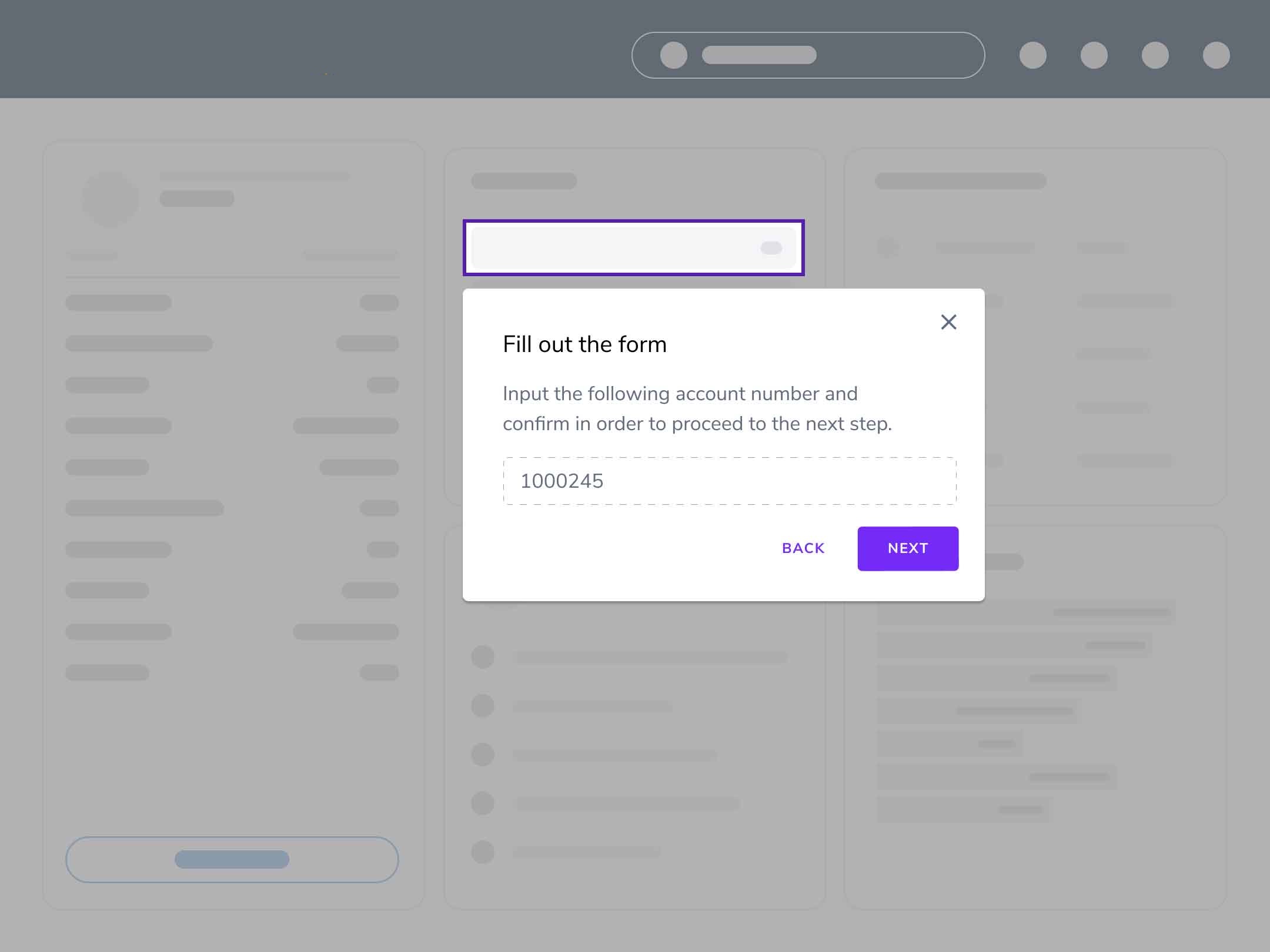
Validators
Stop errors at the source instead of cleaning them up later.
What it does?
A check that catches wrong entries before they are saved. Three modes: measure mode records how often errors happen without interrupting anyone, so you get a starting error rate. Visible mode checks an entry at the moment of input. Warning mode checks entries at submission and warns the user if any are non-compliant. Group several field-level rules under one Validator and choose which level of intervention to apply.
Who benefits?
Quality teams preventing data errors. Compliance teams maintaining audit-ready processes. Operations teams reducing rework from incorrect entries.
Contextual Actions
Assistance that arrives before someone asks for it.
What it does?
Define a condition (a page, an element state, a user attribute, a prior interaction) and Userlane fires the right response: a guide, an announcement, a tooltip, a tag, or a task. Content can be wired in while still a draft and published later. Visible content reacts live, hiding and reappearing as its condition changes.
Who benefits?
Change teams rolling out updates to targeted groups. Content authors who need help to reach people at the right moment. Operations teams automating responses to known friction points.
Why Contextual Assistance Matters
The Problem
Software complexity keeps increasing. Your teams use more applications than ever. People struggle to keep up. The old approach (classroom training, scattered documentation, hope for the best) leaves people frustrated and software underused.
- People get stuck and file support tickets
- Training does not stick because it happens weeks before the task
- Rollouts stall because people miss changes
- Complex workflows slow teams down
- Errors create rework and downstream costs

The Solution
Organizations using Contextual Assistance see fewer support tickets, faster onboarding, better data quality, and higher adoption. The result is help that makes software work for your people, not the other way around.
- Real-time assistance that answers questions instantly
- Guidance that adapts to what people are doing
- Help that fires automatically when a condition is met
- No disruption to daily work
- Prevention, not just reaction
Measurable Impact
- Reduce Support Costs
The Assistant intercepts questions before they become tickets. Users get instant answers without leaving their workflow or waiting for help desk response. - Accelerate Time to Productivity
Contextual Assistance helps people complete tasks in the flow of work. New hires reach proficiency in days, not weeks, without classroom sessions. - Improve Data Quality
Real-time validation catches errors at entry. Fewer correction cycles, less rework, cleaner data for downstream processes and compliance. - Prove the Impact
HEART measures whether assistance actually improves outcomes. Show stakeholders exactly where investments pay off - not just deployment metrics.
44%
Support ticket reduction
74%
Adoption improvement
70%
Faster proficiency
90%
User satisfaction

